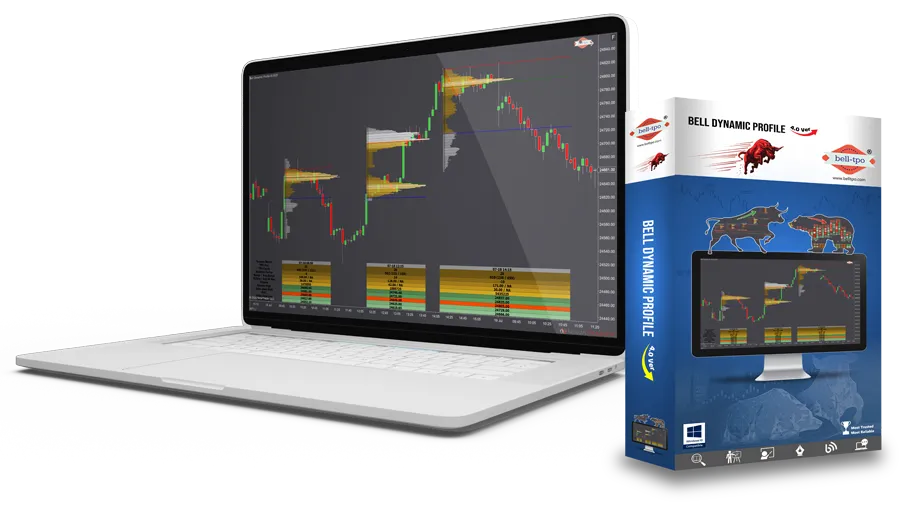
BellTPO Marker tool & Latest workspace setup
 Gokul Bell1 min read
Step-1 – Login & Download
1. Open your web browser and visit the appropriate Video Library URL based on your purchase date: If you purchased the BellTPO product after November 2024, use: https://video.belltpo.com If you purchased the BellTPO product before November 2024, use: https://videolibrary.belltpo.com 2. Login using your registered username and password, then click Sign In.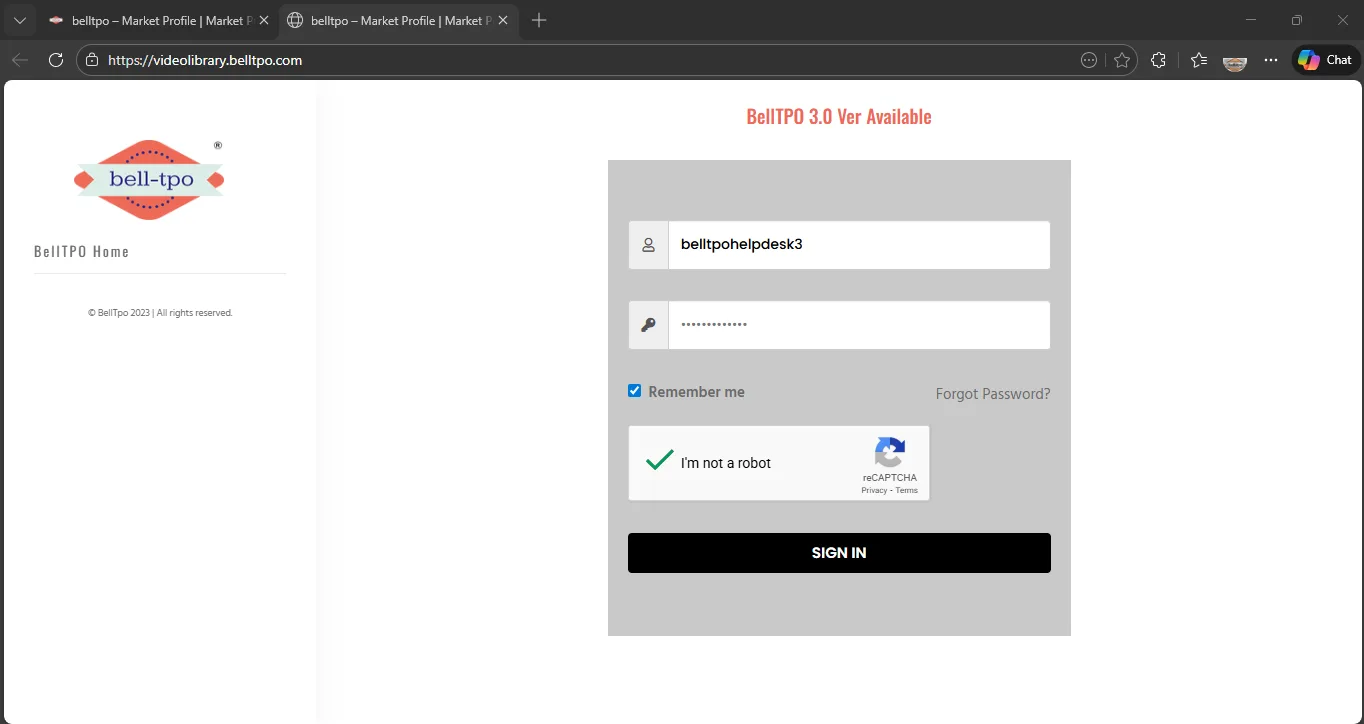
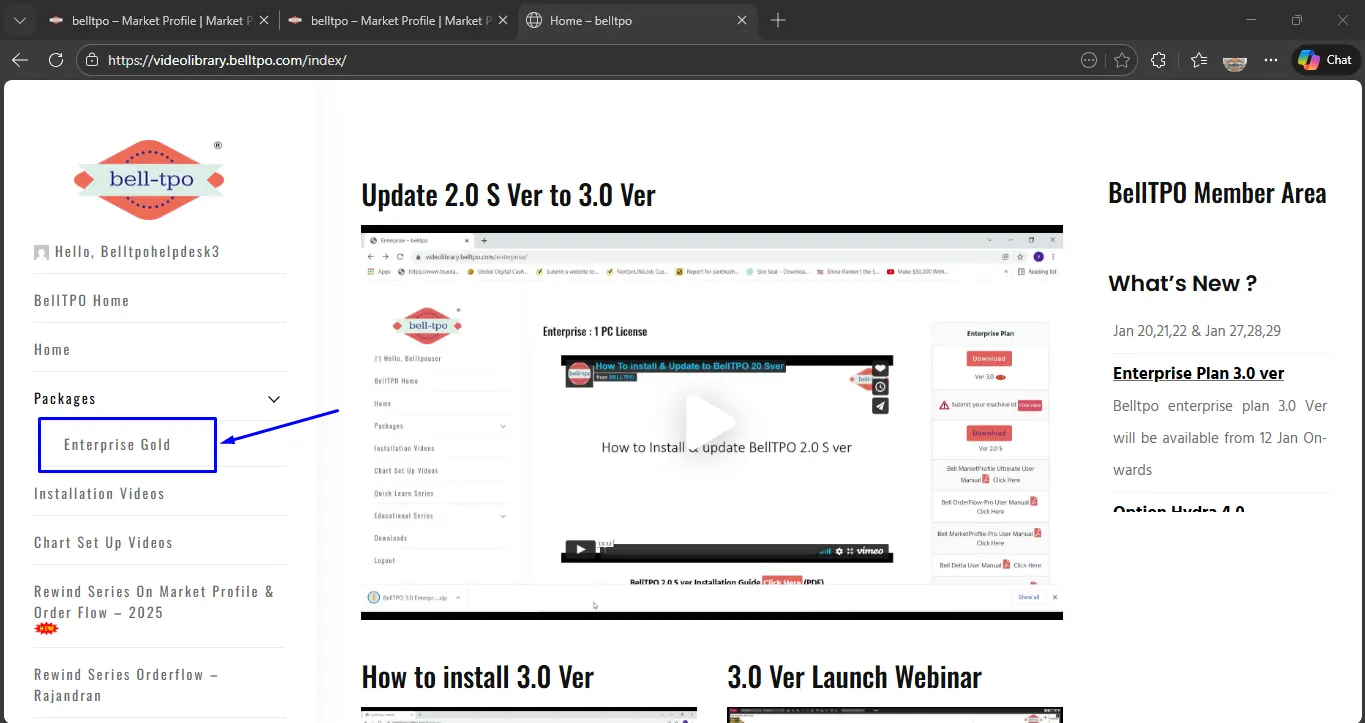
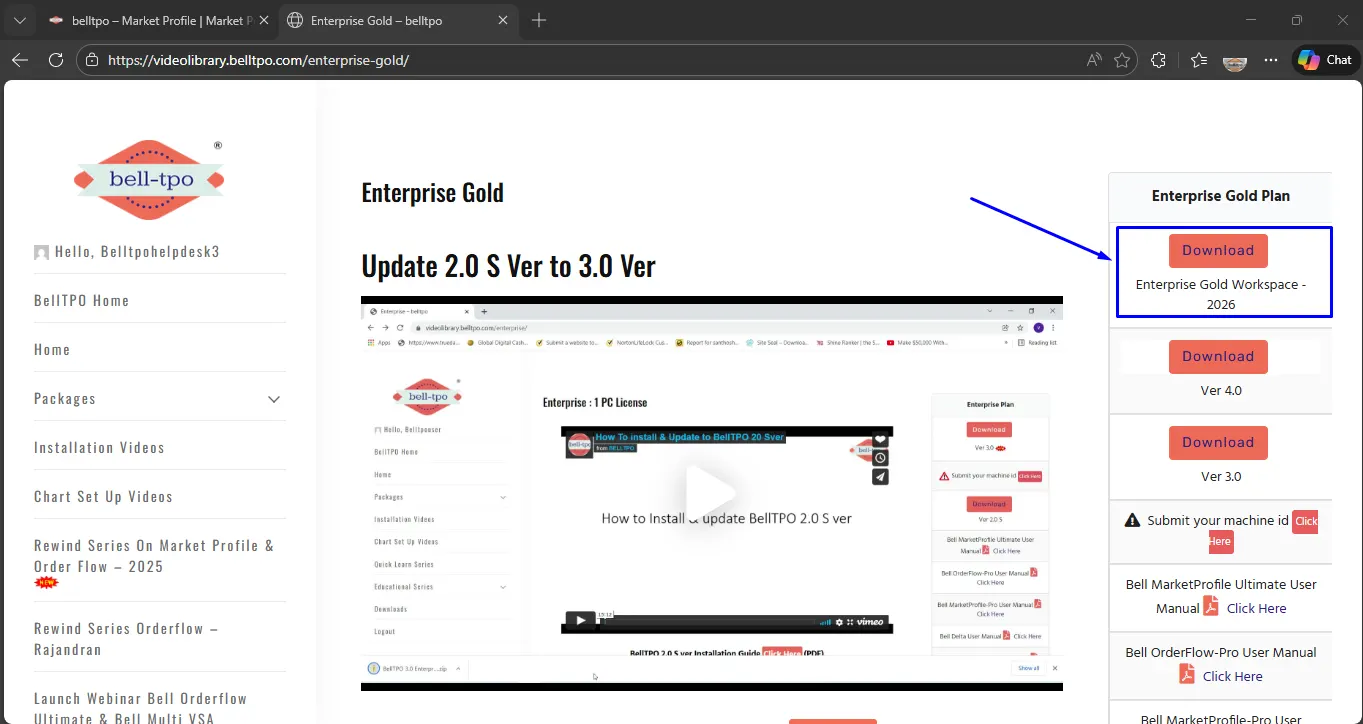
Step-2 – Extract & Install Marker Tool
5. Locate the downloaded ZIP file in your Downloads or Desktop folder: BellTPO Workspace with Marker Tool.zip 6. Right-click the file and select Extract Here.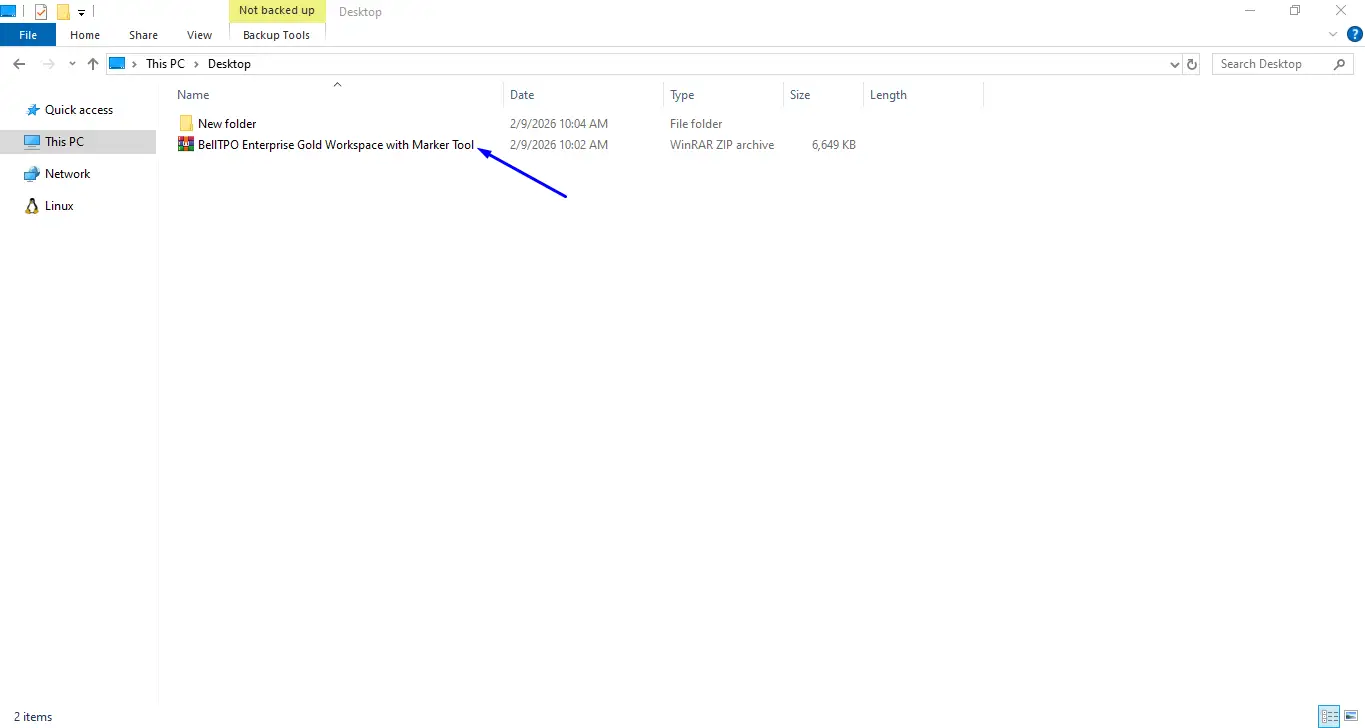
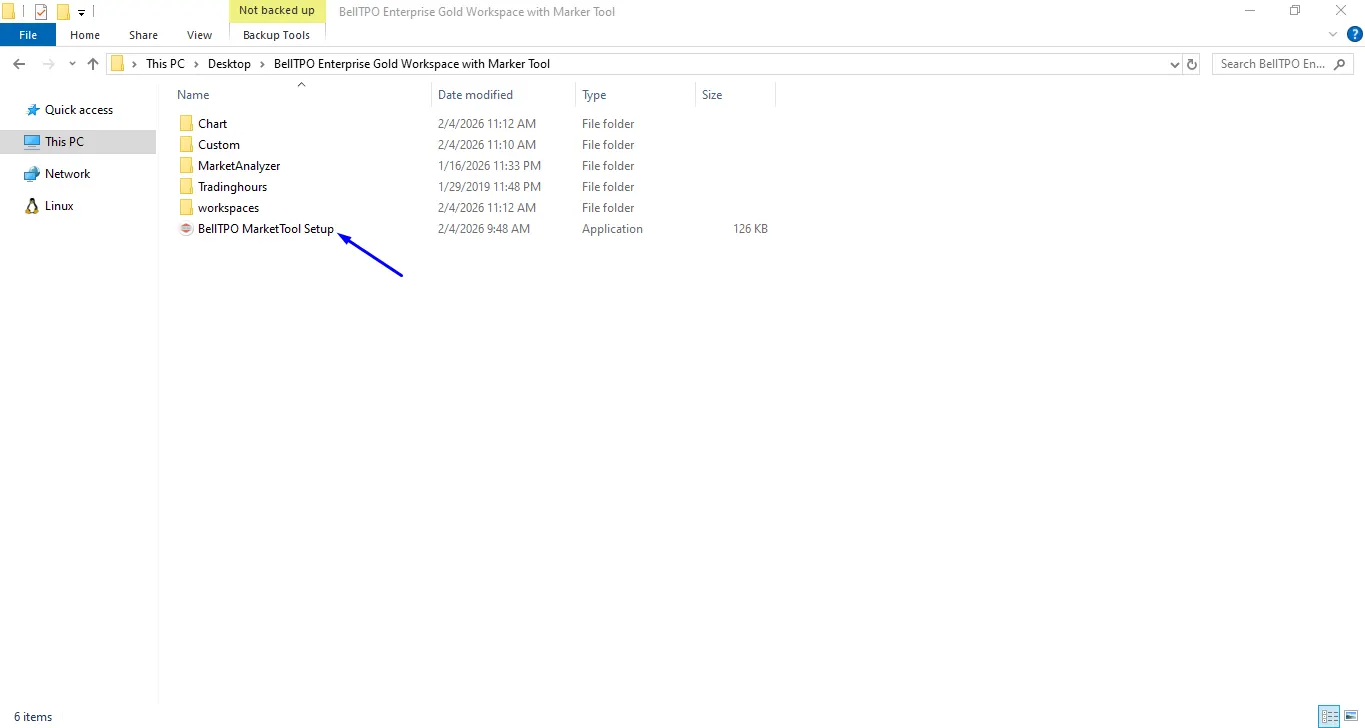
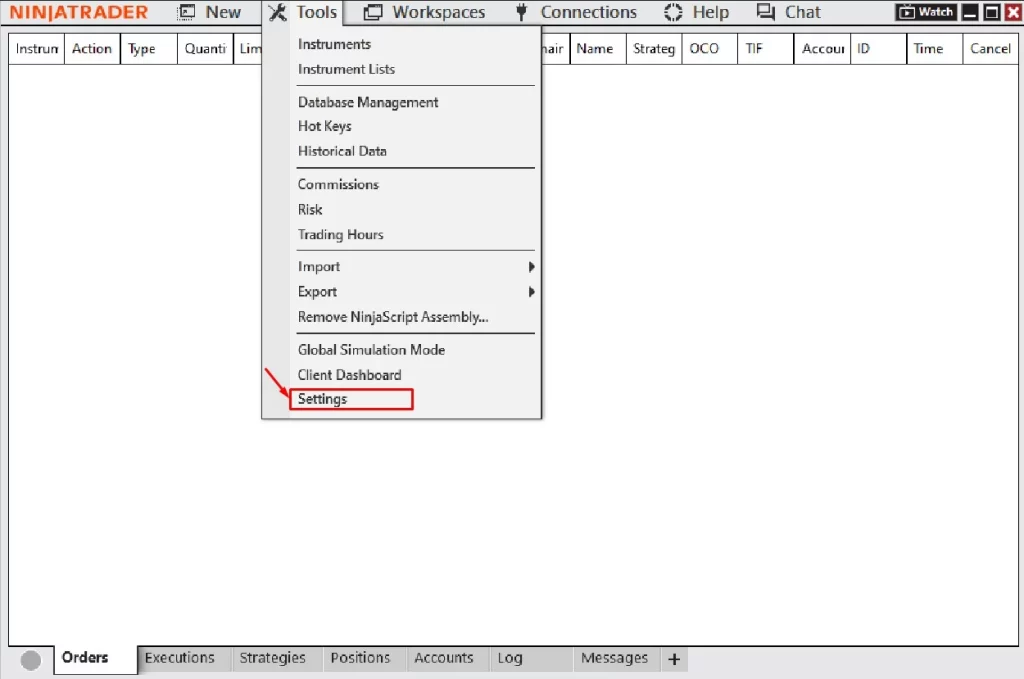
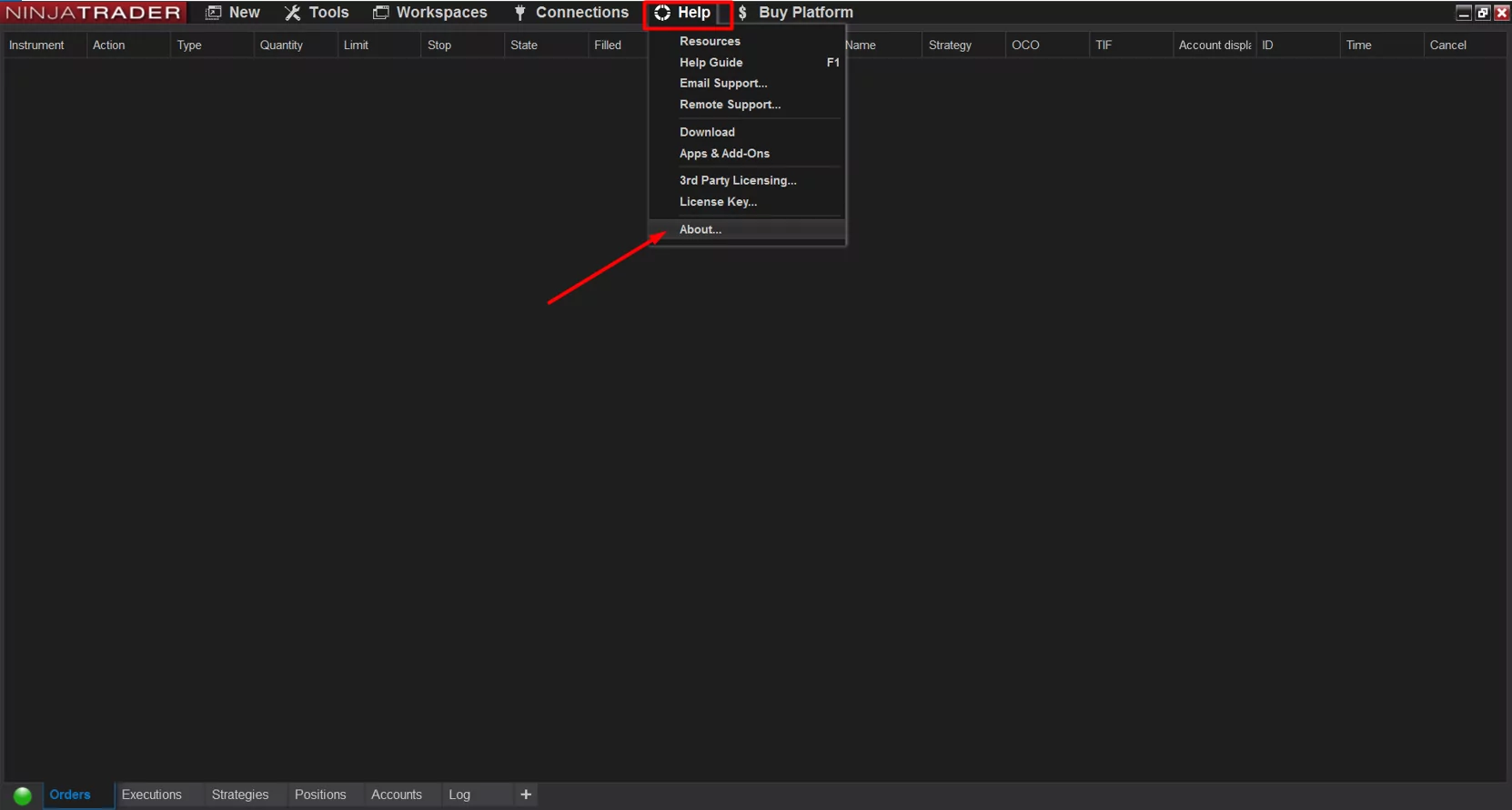
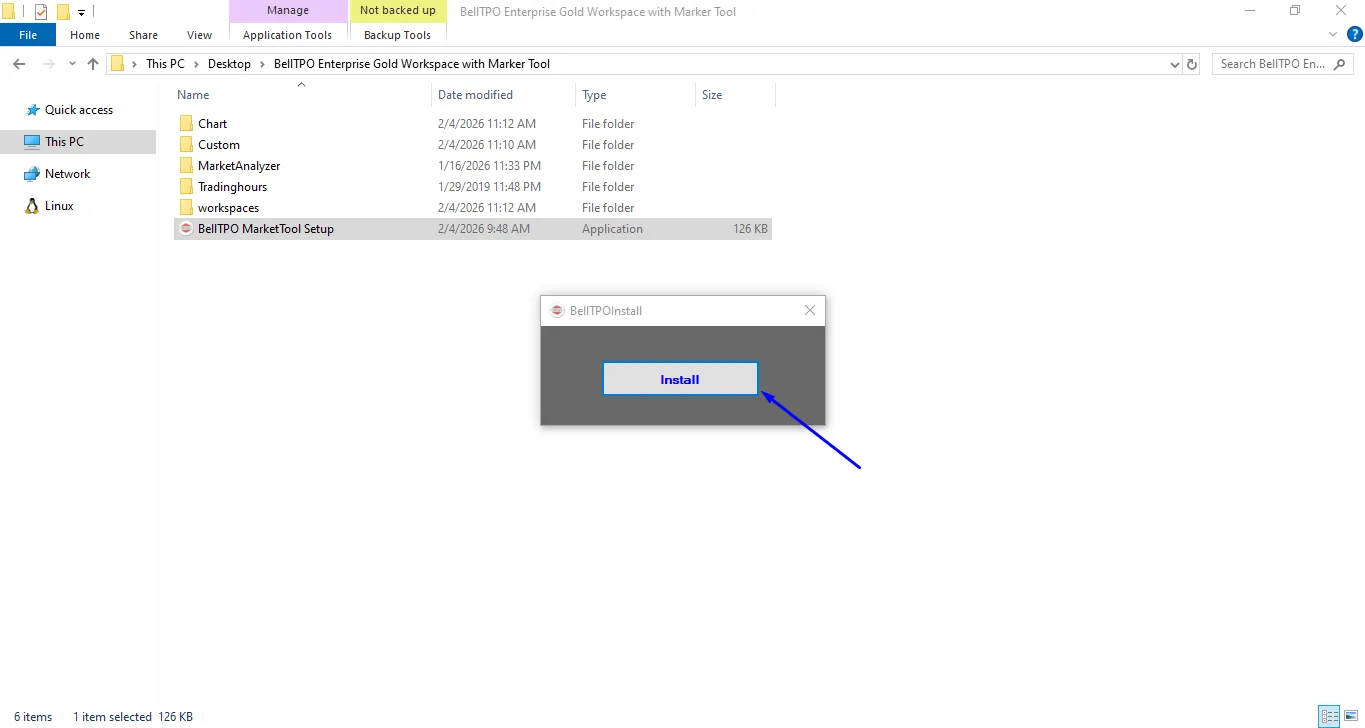
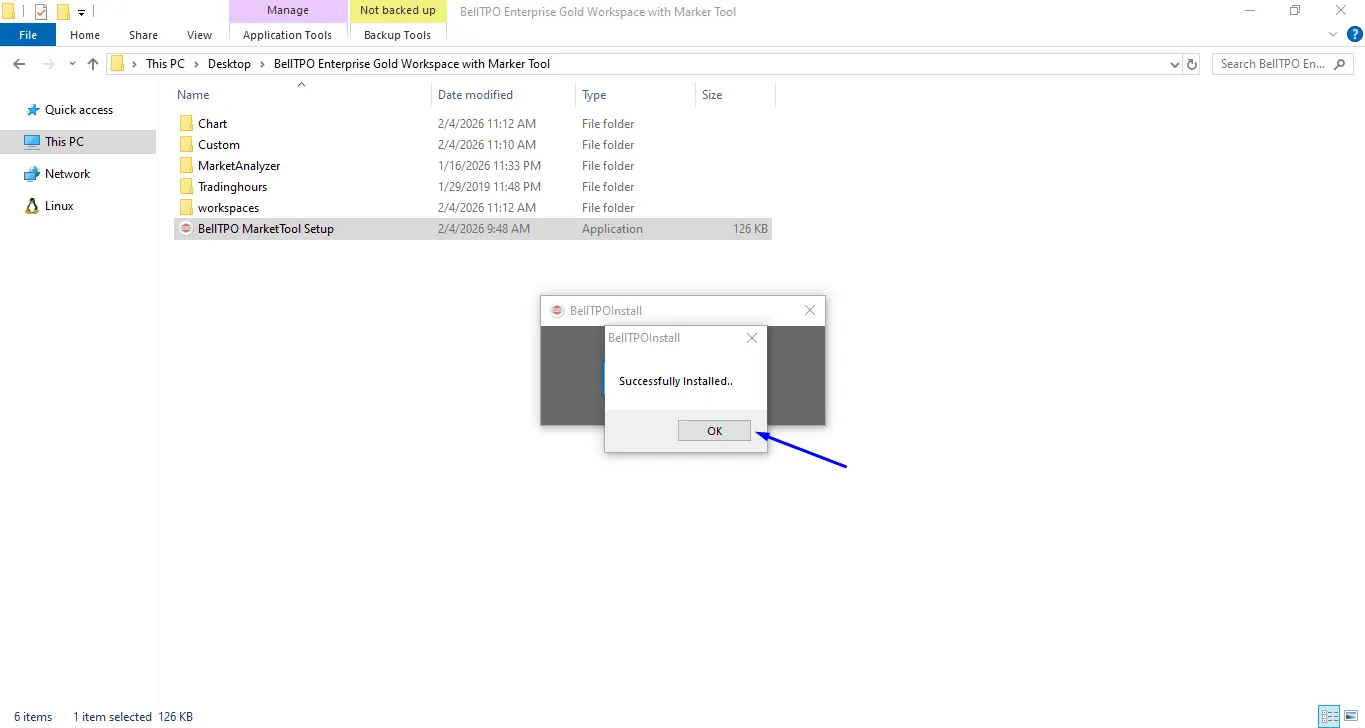
The Marker Tool is compatible only with the latest NinjaTrader login version (NinjaTrader 8.1.5.1 and above). Please ensure your Ninja Trader is updated before installation. 8. Click Install and wait until you see the confirmation message: Successfully Installed
Step-3 – Open NinjaTrader & Apply Tool
9. Open NinjaTrader. 10. Open any trading chart, such as: NIFTY, BANKNIFTY 11. Click the Drawing Tools icon in the chart toolbar and select: Bell Long Entry Tool or Bell Short Entry Tool.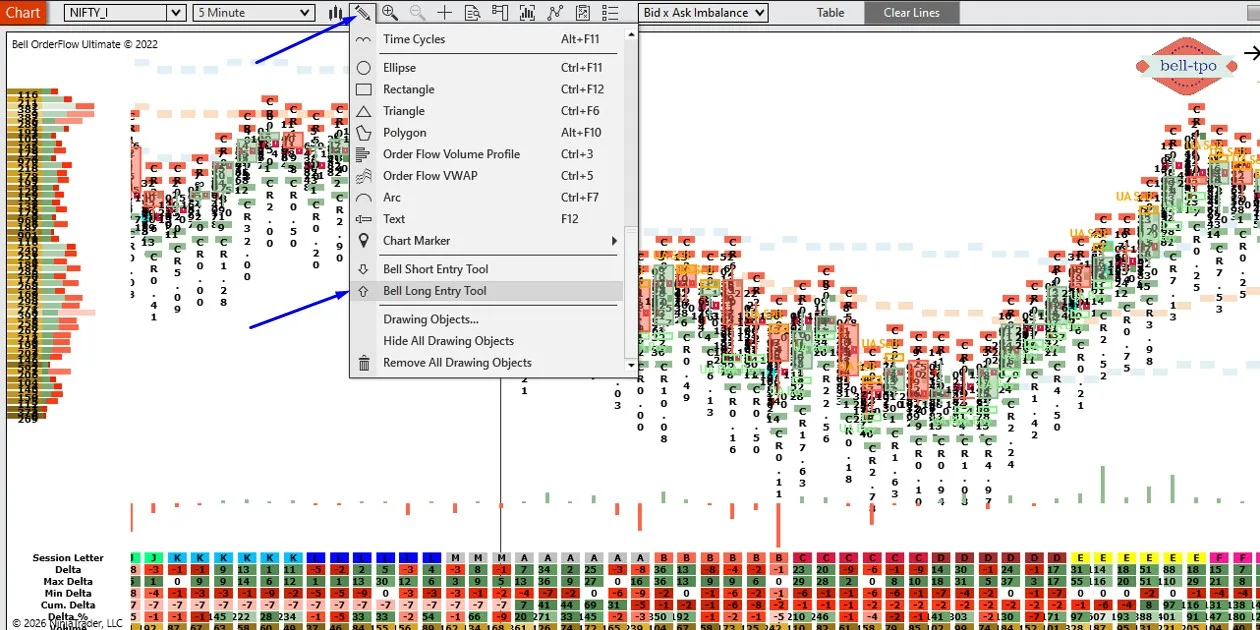
Step-4 – License Activation
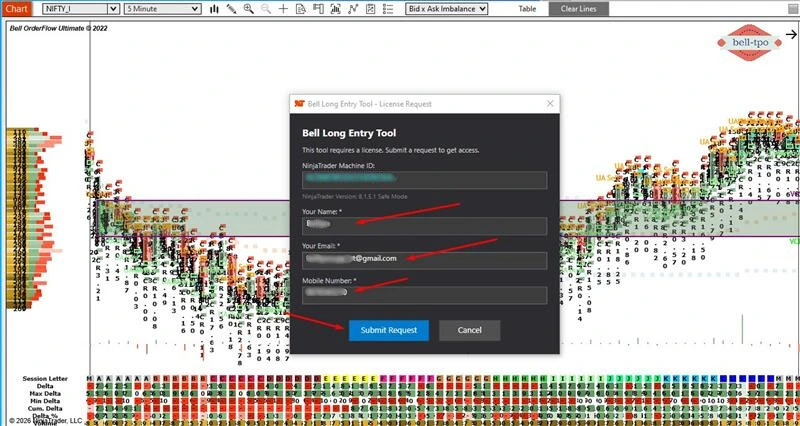
12. When the License Request window appears, enter the following details which you registered with BellTPO: For Example:| Name | xyz |
| xyz@gmail.com | |
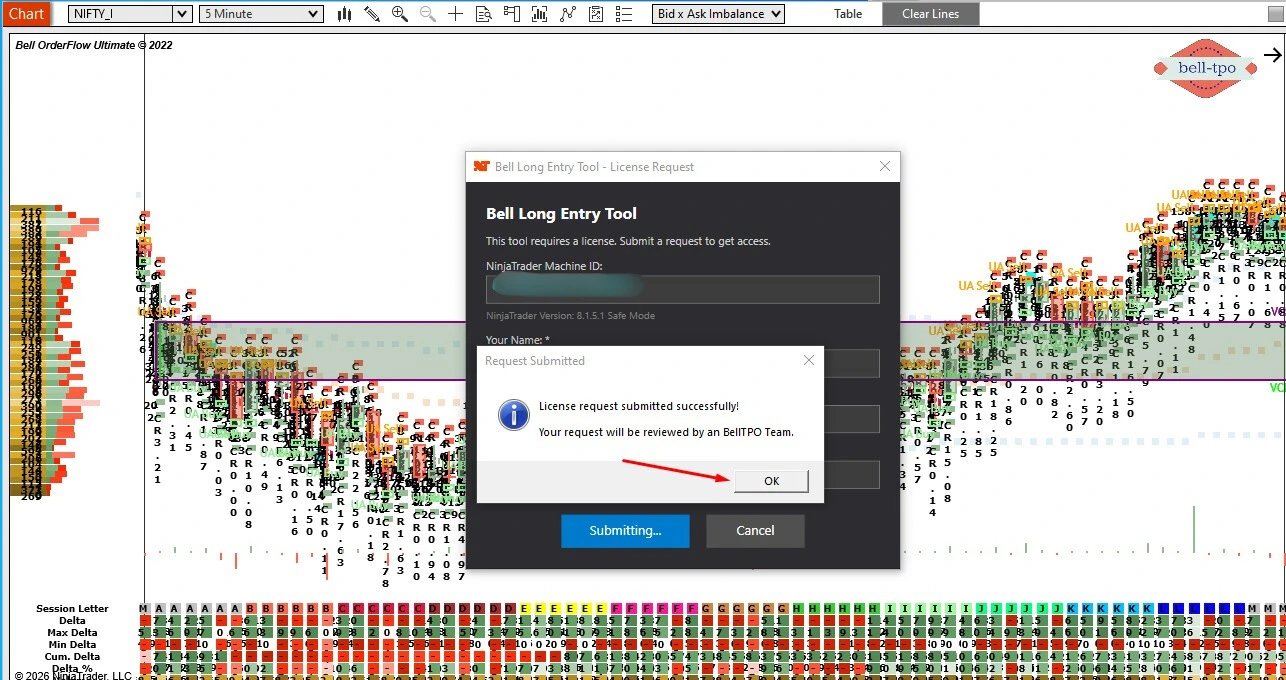
| Mobile | 9876543210 |
Gokul Bell / BellTPO
BellTPO is an NinjaTrader vendor & member of the NinjaTrader Ecosystem, along with other leading experts who offer quality charting products and support.